
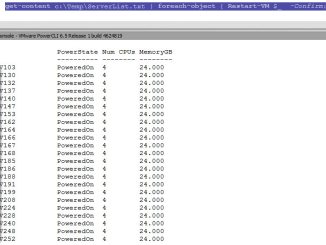
Restart Multiple VM’s
Connecting to individual host Open VMware vSphere PowerCLI console #Connect to the host Connect-VIServer -Server hostname.example.com #Get all VMs from the host, filter those powered […]
Connecting to individual host Open VMware vSphere PowerCLI console #Connect to the host Connect-VIServer -Server hostname.example.com #Get all VMs from the host, filter those powered […]
Towards a better console – PSReadLine for PowerShell command line editing Sometimes text mode is where it’s at. I’ve long blogged about tools and […]
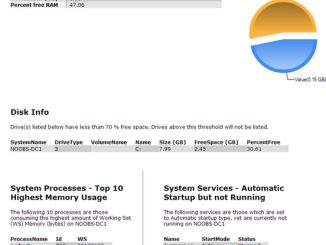
Powershell script to email ###########Define Variables######## $date = “get-date” $fromaddress = “[email protected]” $toaddress = “[email protected]” $Subject = “Test $(get-date)” $body = Get-Content C:\temp\Test.htm #$attachment = […]
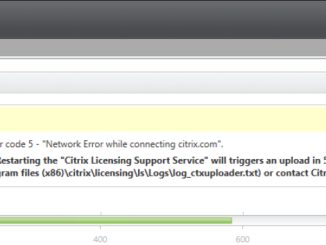
when I updated to 7.14 I had the issue, because my license server and my delivery controller cannot communicate outside there is also a ugly […]
Fell free to share with others… Features of vSphere 6 5 Lesson1.1 https://www.youtube.com/watch?v=XnvRAk7Fp6Y Introduction to the ESXi 6 Command Line Interface CLILesson1.1 https://www.youtube.com/watch?v=k0ikD9HXs-U The Course […]
I often have to copy files and folders from one server to another for various reasons. Copying stuff manually is a bore but if you […]

Function New-RemoteProcess { #[CmdletBinding()] Param( [String]$ComputerName = $env.computername, [String]$Cmd = $(Throw “You must enter path to the command which will create the process”), [String]$ac, [String]$wait […]

If you’ve deleted these machines from AD and DDC (I assume by using Desktop Studio to delete the machines) then you can get back to […]
Error after an update of the Machine Catalog Solution: Open Powershell as administrator and find out the running Task ID on the Machine Catalog. Add-PSSnapin […]
You can find this through the following command: echo %LOGONSERVER% And you don't have to be admin or poweruser to use it. Have a […]
Copyright © 2026 | WordPress Theme by MH Themes