Created ISO image using PowerShell
Some Enterprise Organisations do not allow us to use any software on their networks a. Any software to be installed would need to be tested, […]
Some Enterprise Organisations do not allow us to use any software on their networks a. Any software to be installed would need to be tested, […]
#get all AD users in forest with name like v- and status is enable $allusers = (get-adforest).domains| %{get-aduser -filter {SamAccountName -like “v-*” -and Enabled -eq […]
#Domain names in forest $ForestInfo = Get-ADForest$Domains =$forestInfo.domains$FileName = “DNSForwarder”+”$(get-date -Format MM-dd-yyyy)”+”.csv”$FilePath = “c:\temp”foreach($domain in $domains){Write-Output “Working on $domain”get-dnsserverforwarder -computer $domain| select IPAddress, @{l=”Domain”;e={$domain}}| Export-Csv […]

dsquery user -startnode forestroot -samid <username> | dsmod user -pwd <new_password> DsQuery | HomeWorks’s Blog (wordpress.com)
Add multiple DNS servers as name servers to multiple DNS zones all in once. So this is essentially adding NS resource records to a zone, […]
Activate Windows with KMS Server Step 1: KMS Client Setup Key Before activating your Microsoft product (Windows or Office) on the KMS server, you must change […]
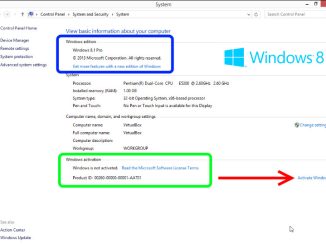
Activate a Windows Operating System (All Supported Versions) Open an Elevated Command Prompt window. In the elevated Command Prompt window, verify that the current […]
Just give input as first name and last name in inputfile Jeevan bobba Abcdef ghijklmnopqrst It will create username and by adding v- at […]
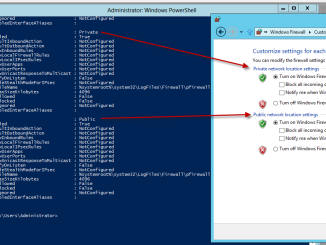
If you want to turn off the Windows Firewall, there are three methods. One is using the GUI which is the method that takes the most […]
Use a manual method to reset TCP/IP Note This section is intended for advanced computer users. If you are not comfortable with advanced troubleshooting, ask […]
Copyright © 2026 Jeevan Bobba. All Rights Reserved.